

@NEOMA
STEP 8
Staying connected
Connect to the ‘Neoma BS’ wifi network using your @first login
Your NEOMA E-mail: firstname.lastname.YY@neoma-bs.com
NEOMA email account
All communications from the School (staff, professors, notifications, …) will be sent to this email address. Here’s how to connect:
- Download Microsoft Office 365 for free: www.office.com
- Connect with your @neoma-bs.com login and your usual password
- Consult your NEOMA emails
Your timetable
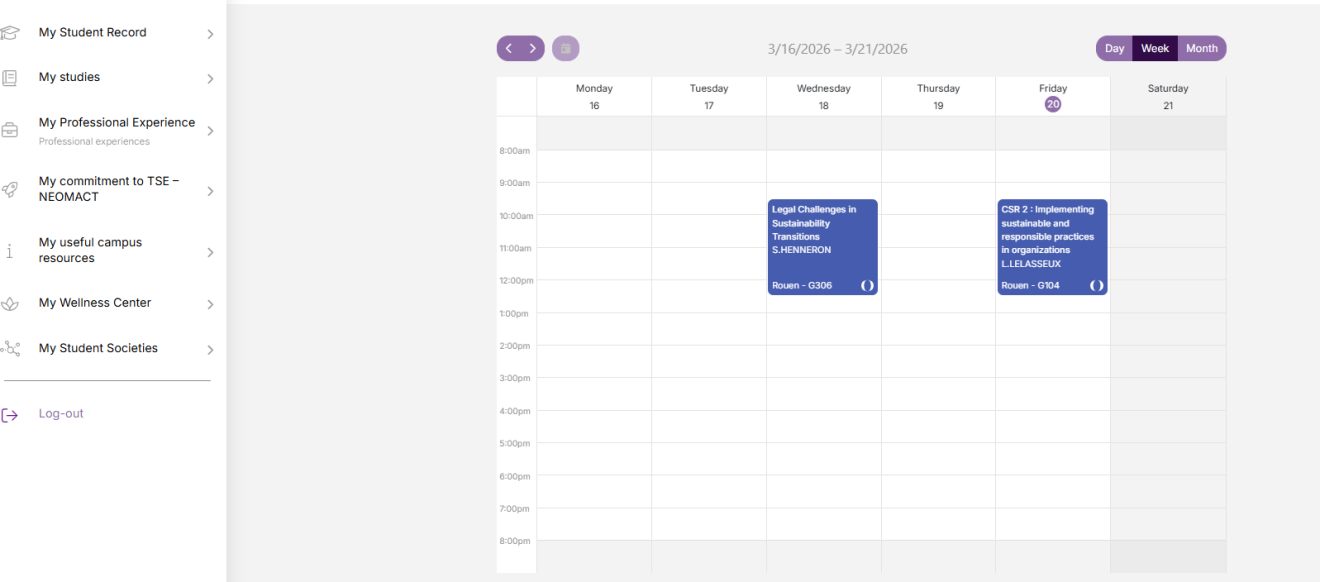
- Connect on myneomagora.neoma-bs.fr using your @neoma-bs.com email address and your usual password
- Click on the following tabs: My studies > My schedule
COURSES platform
- MyNEOMAgora > My studies > My Courses
- Connect with your @neoma-bs.fr login and your usual password
- Access course material, upload work, contact your professors, …
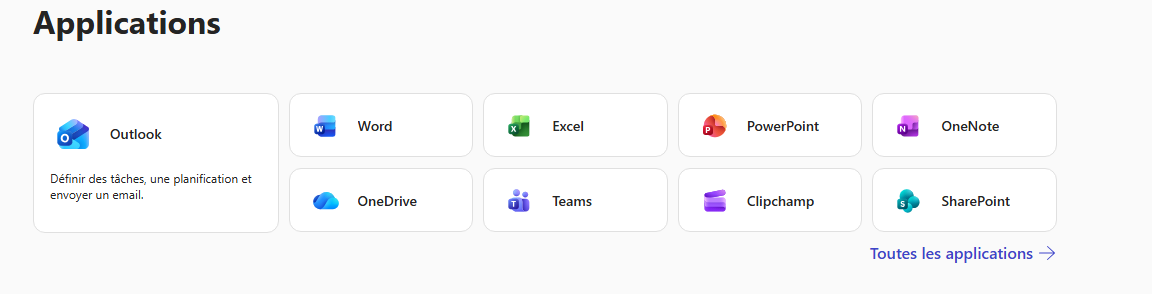
Microsoft IT tools
NEOMA gives you access to a wide range of Microsoft Office Tools.
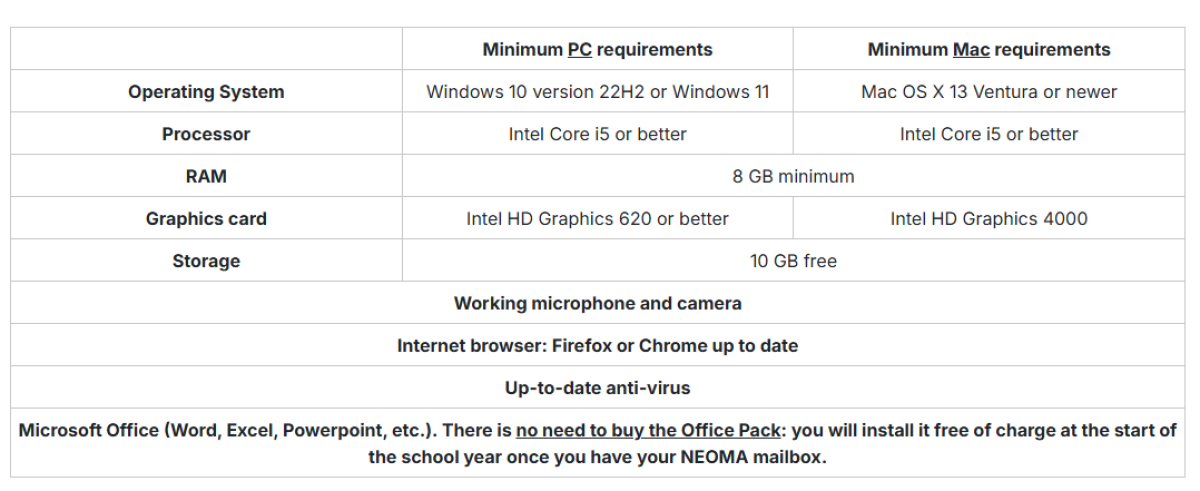
Recommendations for IT equipment
For your studies at NEOMA, you will need a laptop.
Don't have a laptop or want to invest in a new computer?
Here are our recommendations to ensure the best compatibility with our educational activities and software:
WIFI: our campuses are of course equipped to provide you with adequate internet access.
If you want to use a WIFI connection in another location, particularly in the context of distance learning, a Minimum throughput of 5 Megabits per second is recommended.
Finally, it is important to note that tablets and Chromebooks are not suitable for program requirements.
Calculator
For tests requiring a calculator, only the Casio FX92 model (non-programmable version) is allowed.
However, for certain specialty tests, and at the explicit request of the course director, the following models may also be authorized:
- TI BA II More
- HP 12 C
Cell phone
During your studies at NEOMA, you will be asked to scan a QR code to confirm your attendance in class.
To be able to do so, please make sure your cell phone is equipped with a camera.